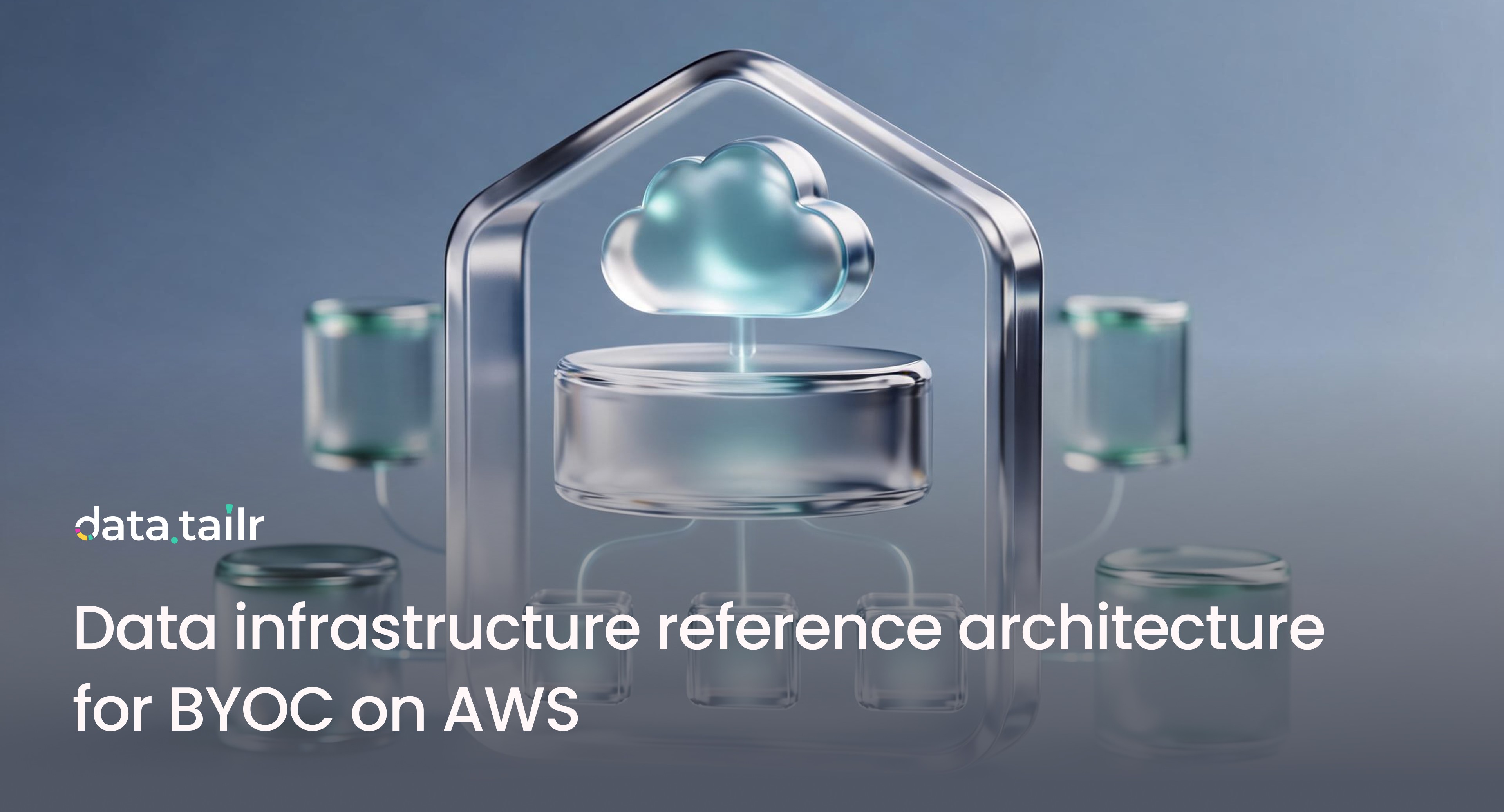
Data infrastructure reference architecture for BYOC on AWS
Oct 29, 2025
Blog
Objectives and design principles
Keep execution inside your AWS account. Keep data where it already lives. Apply one policy layer across engines and sources. Give teams a clear path from code to production without ticket queues while finance and security get guardrails, budgets, and full audit.
High level topology
One AWS account or a multi account model with a dedicated Data Platform account. A VPC spanning three Availability Zones with private subnets for workloads and interface endpoints for core services. No inbound public access by default. Outbound egress is allowlisted. Datatailr runs as a single tenant platform in this VPC and connects to your sources through private endpoints or controlled egress.
Identity Provider → AWS IAM Identity Center
↓
VPC (3 AZs)
• Private subnets for platform services and user workloads
• VPC endpoints for S3, STS, ECR, CloudWatch, Logs, KMS, Secrets Manager, SQS, EventBridge
• NAT gateways with outbound allowlists
• Optional ALB with WAF for user UI access
Data sources
• In account: S3, Redshift, Aurora, MSK, Kinesis
• External: Snowflake PrivateLink, Postgres, Kafka, on prem via VPN or Direct Connect
Datatailr platform
• Orchestration and governed promotion Dev to Pre to Prod
• Autoscaler and warm pools for batch and inference
• Dataverse for federated SQL and text to SQL
• Python IDE and app runtime and Excel add in
Observability and cost
• CloudWatch and OpenTelemetry and per user budgets and chargeback tags
Network and security baseline
Create a VPC with private subnets in three AZs. Place all platform services and user workloads in private subnets. Add interface VPC endpoints for S3, STS, ECR, CloudWatch, Logs, KMS, Secrets Manager, SQS, EventBridge, and any third party that supports PrivateLink such as Snowflake. Use an internet egress allowlist through NAT. If a user interface is exposed, front it with an Application Load Balancer and AWS WAF. Enable VPC Flow Logs and GuardDuty. Record every control plane action with CloudTrail.
Identity, access, and policy
Use AWS IAM Identity Center for SSO with optional MFA. Map groups to Datatailr roles through IAM roles with least privilege. Enforce role based access at the level of projects, jobs, services, datasets, tables, and columns. Manage secrets in AWS Secrets Manager. Use customer managed KMS keys for S3 buckets, EBS volumes, and any metadata stores. Every execution ties back to a commit and a user and every promotion requires approval.
Storage layers in your account
Use S3 as the lake of record with buckets for raw, staged, curated, features, results, and logs. Glue Data Catalog and Lake Formation provide discovery and table level policy. Optionally use Aurora Postgres for metadata that benefits from relational access and DynamoDB for high throughput job state. Keep retention on every artifact and enable replication for the data you must recover in a cross region event.
Compute and execution
Run Datatailr services and user code as containers on EKS or ECS using EC2 node groups. Keep an On Demand base and add Spot groups for elastic bursts. Provide a GPU node group for training and inference when needed. Use AWS Batch or Lambda only for narrow cases that benefit from those models. The autoscaler keeps warm pools sized to hit latency targets and then returns to baseline as queues drain. Policies cap maximum fleet size, runtime, and concurrency.
Streaming and ingestion
Use MSK or Kinesis for events. Use Kinesis Firehose for delivery to S3 when needed. Use AWS DMS for change data capture from transactional sources. All streams live in private subnets and are consumed by platform jobs running in your VPC.
Orchestration and SDLC
Build and schedule pipelines in Python or in the UI. Every pipeline carries versioning, lineage, runtime limits, and owners. Promotions flow Dev to Pre to Prod with approvals and change windows. Rollback returns a job, a service, or a dashboard to a last known good release in one click. No manifest sprawl and no YAML to maintain.
Federated SQL and text to SQL
Query across S3, Redshift, Aurora, Snowflake, Postgres, and Kafka without migration. Dataverse compiles queries to the right engine under one policy layer. Analysts can also use plain English through text to SQL when it is faster than writing a query. The same masking and row access rules apply in both cases. Outputs publish back to governed tables, services, dashboards, and Excel functions that execute in your account.
Observability and cost governance
Ship logs and metrics to CloudWatch and emit traces through OpenTelemetry to your preferred sink. Every run records owner, lineage, and cost. Enable per user and per project budgets with alerts at 70% and 90% and caps at 100%. Tag all resources with owner, project, environment, and feature and mirror those tags in AWS Budgets and Cost Explorer for showback and chargeback.
Disaster recovery and high availability
Place all critical services across three AZs. Enable cross region replication for the S3 buckets that store curated data and artifacts you cannot rebuild quickly. Replicate container images across regions. Define RTO and RPO for each tier. Practice failover with runbooks that include DNS cutover, secrets rotation, and warm pool ramp up in the secondary region.
Data flow lifecycle
Ingest events through MSK or Kinesis and land them in S3 with schema enforcement. Transform data with Python pipelines that write curated outputs and features under Lake Formation policy. Train models on elastic fleets and store artifacts in a versioned registry in S3. Serve models as internal services behind a private endpoint or publish batch scores back to S3. Expose governed outputs to dashboards and Excel without making extra copies. Monitor latency, error rate, and cost for each step.
Implementation blueprint
Day 0 to 2 create the VPC, subnets, security groups, and endpoints. Enable IAM Identity Center and bind groups. Create KMS keys and baseline S3 buckets with bucket policies and retention.
Day 3 to 5 deploy the Datatailr platform into private subnets on EKS or ECS. Wire logs, metrics, and traces to CloudWatch and your sink. Create NAT allowlists and WAF if the UI is public.
Day 6 to 8 connect sources through PrivateLink or secured egress and validate federated SQL and text to SQL under policy.
Day 9 to 11 define budgets and tags. Turn on alerts and caps. Set warm pool sizes and concurrency ceilings for the first workloads.
Day 12 to 14 ship the first governed outputs and promote one pipeline and one service from Dev to Pre to Prod with approvals and rollback.
Naming and tagging standards
Adopt uniform names that encode environment, project, and region for VPCs, clusters, node groups, and buckets. Tag every resource with owner, project, environment, feature, data sensitivity, and cost center so budgets and chargeback remain accurate without manual work.
What makes this BYOC pattern durable
Policy, identity, approvals, and lineage live with you. Engines attach under those rules. Queries run where data already lives and results flow back to the tools people use, including Excel. Autoscaling and caching keep latency predictable and spend under control. Budgets and rollback make speed safe. Because everything runs in your account under one policy layer, you can add a new engine in days without a migration and you can retire an old one without rewriting the foundation.
If you want, I can turn this reference into a Terraform starter with VPC, endpoints, KMS, EKS node groups, and baseline IAM roles so your team can launch Dev in a single pull request.
Related Articles



1177 Avenue of The Americas, 5th FloorNew York, NY 10036
Useful Link